Procedural Pixel Tile Generator
TileGraphX
Build game-ready pixel-art textures without drawing every variation by hand.
TileGraphX is a procedural tile creation tool for indie game developers, pixel artists, and game-jam teams. Start with an accessible layer workflow, combine materials and effects, paint directly onto the result, or switch to the node editor for complete control.
Create terrain, walls, floors, water, vegetation, architectural patterns, stylized materials, and reusable texture recipes—all inside one focused desktop application.
Two ways to create
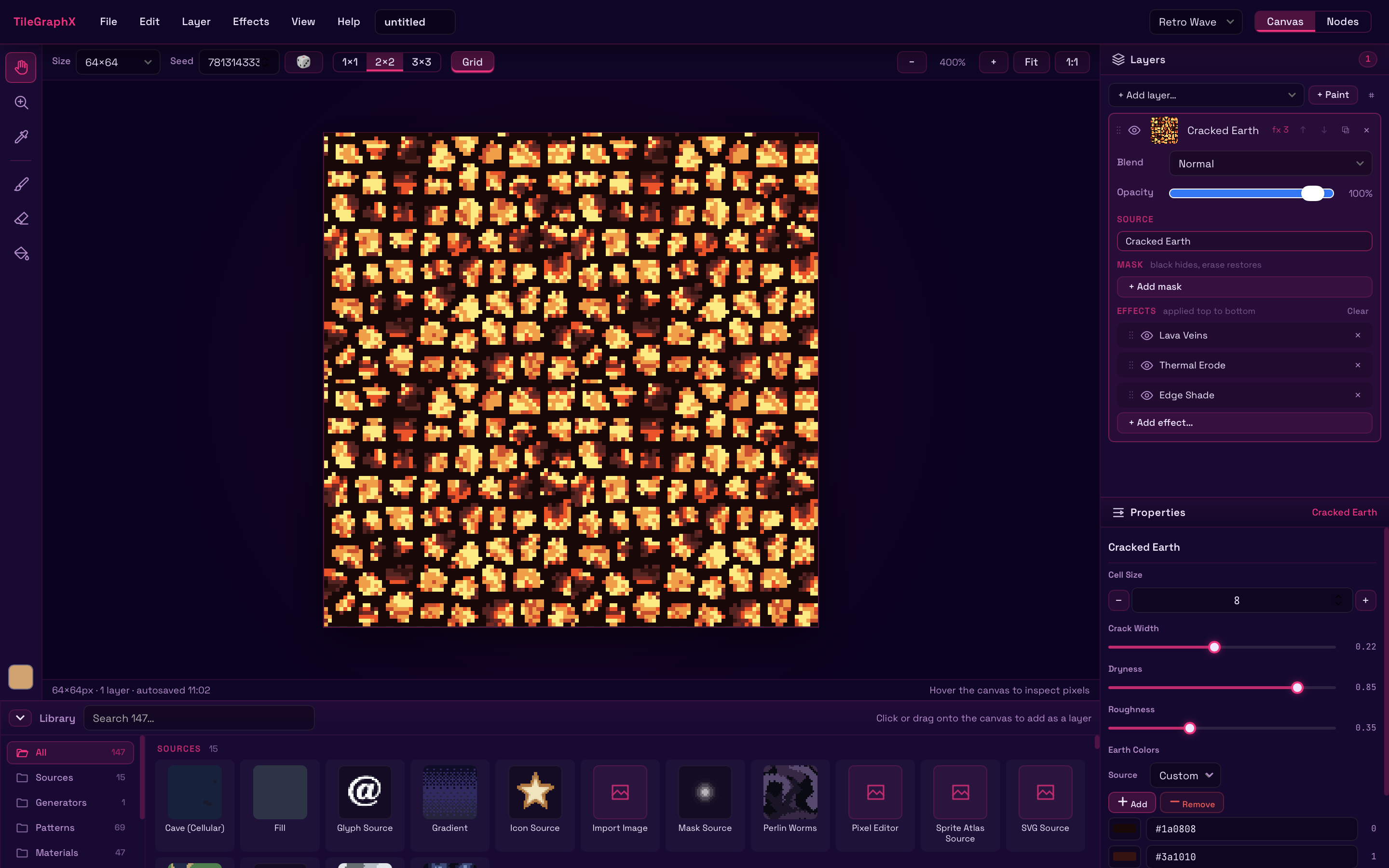
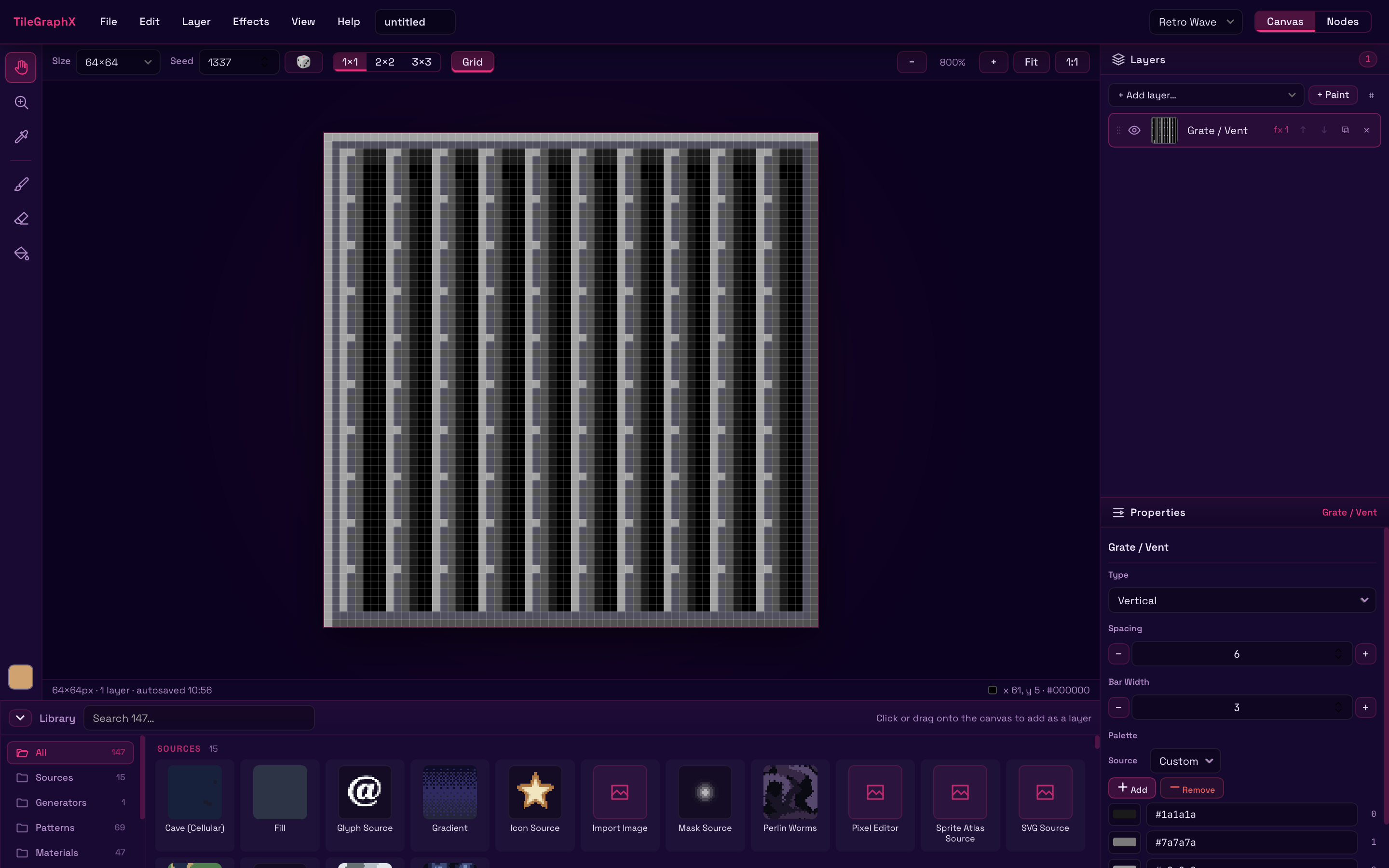
Canvas workspace
A familiar layer-based workflow for quickly assembling tiles:
- Stack materials, patterns, and objects
- Adjust opacity and blend modes
- Add effects and masks
- Paint, erase, fill, and pick colors
- Reorder or duplicate layers
- Preview seamless repetition in 1×1, 2×2, or 3×3 mode
Node workspace
Open the same project as a visual graph when you need deeper control:
- Connect generators, modifiers, masks, and blends
- Build reusable procedural workflows
- Edit every stage non-destructively
- Move freely between Canvas and Nodes
Features
- More than 140 tile sources, materials, patterns, and generators
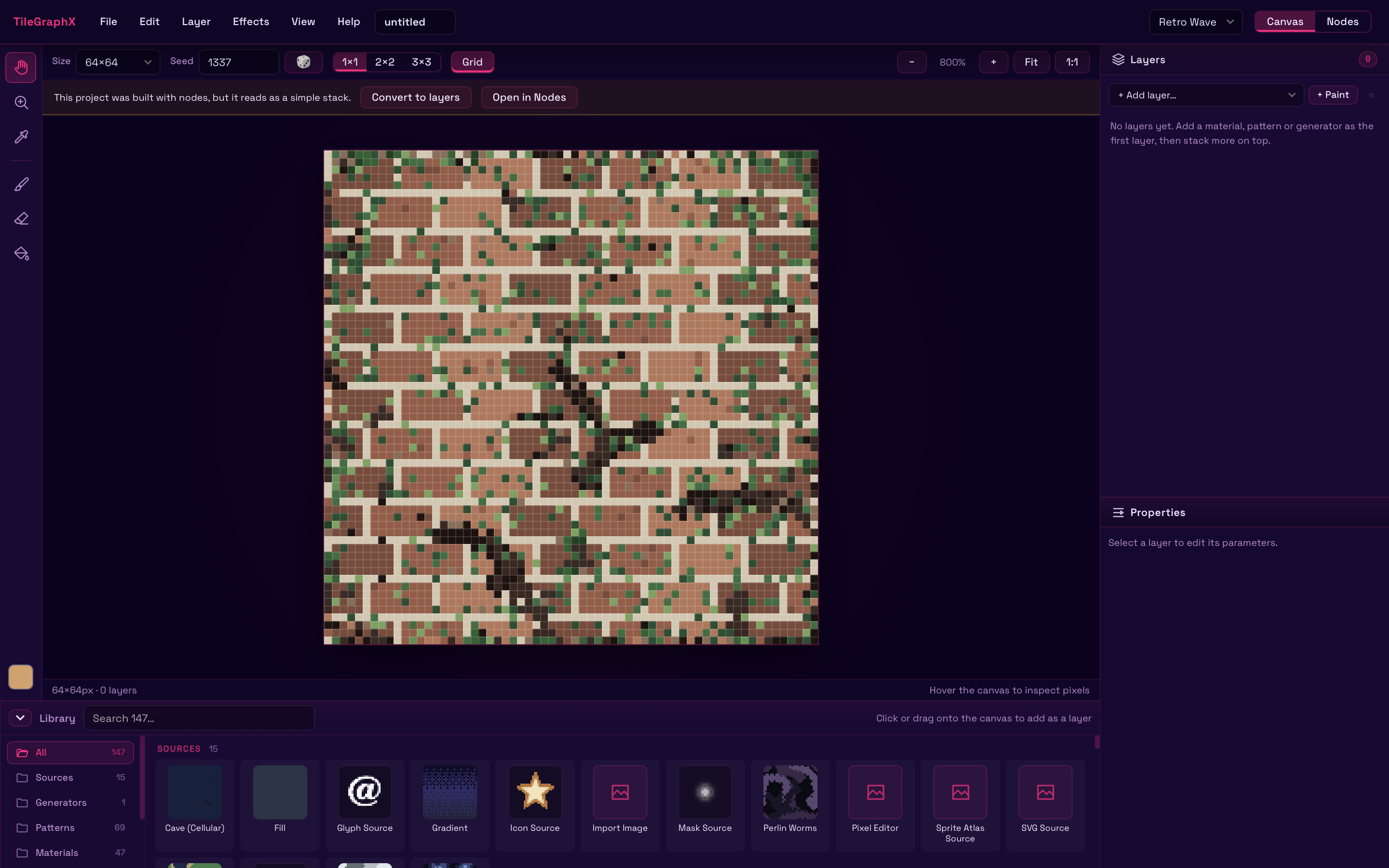
- Procedural stone, soil, grass, water, ice, wood, metal, brick, snow, and more
- Pixel-art objects and architectural elements
- Layer masks and configurable effects
- Direct pixel painting
- Custom palettes and palette import/export
- Deterministic seed-based generation
- Undo and redo
- Automatic project recovery
- Save editable
.tgxprojects - Export crisp PNG files at multiple scales
- Square, wide, and tall tile formats
- Starter templates and example workflows
- Multiple visual interface themes
- Offline desktop workflow
Make variations, not duplicates
Change a seed or adjust a few parameters to produce related tiles that share the same visual language. TileGraphX is designed for generating coherent families of textures—not just isolated images.
Use it for:
- RPG terrain and dungeon tiles
- Platformer environments
- Roguelike maps
- Strategy-game terrain
- Farming and survival games
- Prototypes and game jams
- Texture studies and palette experiments
Early Access
TileGraphX is actively being developed. The core creation, editing, project-saving, and PNG-export workflows are available now.
Early Access development will focus on:
- Batch variation export
- Tile-sheet and autotile export
- Better engine integration
- Improved rendering tests and reliability
- New templates and curated material packs
- Workflow and performance improvements
Early Access customers receive all TileGraphX 1.x updates.
Commercial projects
Tiles exported from TileGraphX may be used in personal and commercial games and artwork. Redistribution or resale of TileGraphX itself is not permitted.
Feedback
If something feels confusing, a material needs better controls, or you have a workflow TileGraphX should support, please leave a comment or join the project community. Early feedback directly shapes development.
Download
Click download now to get access to the following files:
Comments
Log in with itch.io to leave a comment.
Hey, this seems amazing in the browser, but the Windows install doesn't work. It goes through the install, says it can't locate the program, and then the only file in the install location is the uninstallation file. And even that file doesn't work to remove the program, giving me an "installer integrity check has failed" error. Is there a fix for this?
Thanks for reporting this! I've just updated the Windows installer. Please try downloading and installing it again, and let me know if it works now.
Same problem, I'm afraid, even after force-uninstalling the older version with Wise Program Uninstaller! It gives me an error about not being able to stop TileGraphX, almost like the installer is complaining about itself being open. It did that before, too, but it'd only give me that particular error when I'd install it for all users and not just the current one. I'm headed to bed now, but I'll try again in the morning and record it in case that helps you figure out what's going on.
I'm really looking forward to playing with this!
Sorry about that! I think a quick solution for now is to just select a different folder for the installation. I will look into the problem on my end.
Installing it to C:\TileGraphX worked perfectly; it must be a weird permissions thing. Whatever the case, I'm glad to be able to use this now. Thanks so much for the help!